
Move Through a Suffolk Property Search
The City of Suffolk Property Search application runs on Spatialest. Its controls load through JavaScript. The public setup allows searches by address, owner, and property identifiers. Lead with the most complete clue. A street number and name often works for a first pass. A parcel key is cleaner in some cases. A subdivision repeats street names. A condo holds many units. An older deed carries a former locality.
When a card opens, look past the Owner line. Record the Account No., PID No., Map No., Situs Address, Mailing Address, and Legal Description as a set. The card also links to assessment and transfer detail. Those fields make the next lookup less dependent on spelling or current postal wording.
- Enter the situs address, owner wording, Account No., PID No., or Map No. in the Spatialest application.
- Compare the returned address and legal description to make sure the card matches the intended land.
- Copy the three parcel identifiers and transfer references before leaving the card.
- Use the matching instrument or book/page reference in Virginia SRA, then compare the deed's legal description.
- Use the Treasurer and GIS portals for their own account and map details.
Suffolk Spatialest Search Keys and Limits
The server configuration names several search routes. The live widget renders with JavaScript. The exact required flags do not appear in plain text, though. Treat the table as a field guide rather than a promise. A field may not show on the first screen, and formats can vary. When punctuation or spacing is uncertain, copy an identifier straight from a known card.
| Search field | Type | What to enter | Known limit |
|---|---|---|---|
| Address | Text or autocomplete | Situs street number and name | Exact formatting and required fields are not published |
| Owner | Text | Person, entity, or trust name | Search variants may return different matches |
| Account No. | Text identifier | REM_ACCT_NUM value | Copy the card value exactly |
| PID No. | Text identifier | REM_PID value | Exact input pattern is not documented |
| Map No. | Text identifier | REM_PIN value | Do not infer prefix meaning |
The application also configures satellite and OpenStreetMap base maps, along with parcel and city-boundary layers, map click, print and share links, a community link, and Pictometry access. Those map controls help orient a search in Suffolk. Even so, the card's identifiers remain the durable cross-reference.
What a Suffolk Property Search Result Contains
A Spatialest result blends identity, location, value, land, building, and transfer fields. The exact card varies by property type. Residential records can include room counts, year built, heating, foundation, and gross area. They also list living area. Commercial and condominium cards may show different building details. Remember that the result is an assessment record, not a copy of the deed. Use the record reference to confirm the transfer with the Clerk.
| Owner and location | Owner; Situs Address; Mailing Address |
|---|---|
| Parcel identity | Account No.; PID No.; Map No. |
| Legal land description | Legal Description, Use Code, Historical flag, Lots/Acres, Effective Area |
| Assessment | Market Land Value, Total Improvement Value, Land Use Value, Total Assessed Value |
| Transfer history | Book, Page, Instrument No., Sale Date, Sale Price, qualification and comments |
| Physical detail | Land lines, zoning, area, building systems, and year built where configured |
The card's value history shows the latest ten rows. Each row gives the year, land, improvement, land-use, and total values. It does not expose a deed image. No redaction statement appears, so completeness of owner and mailing fields should not be assumed.
For a historic assessment, transaction image, or certified copy, ask the office that holds that record. The Spatialest parcel-card page shows the Suffolk fields that connect an address to parcel identity and ownership context.
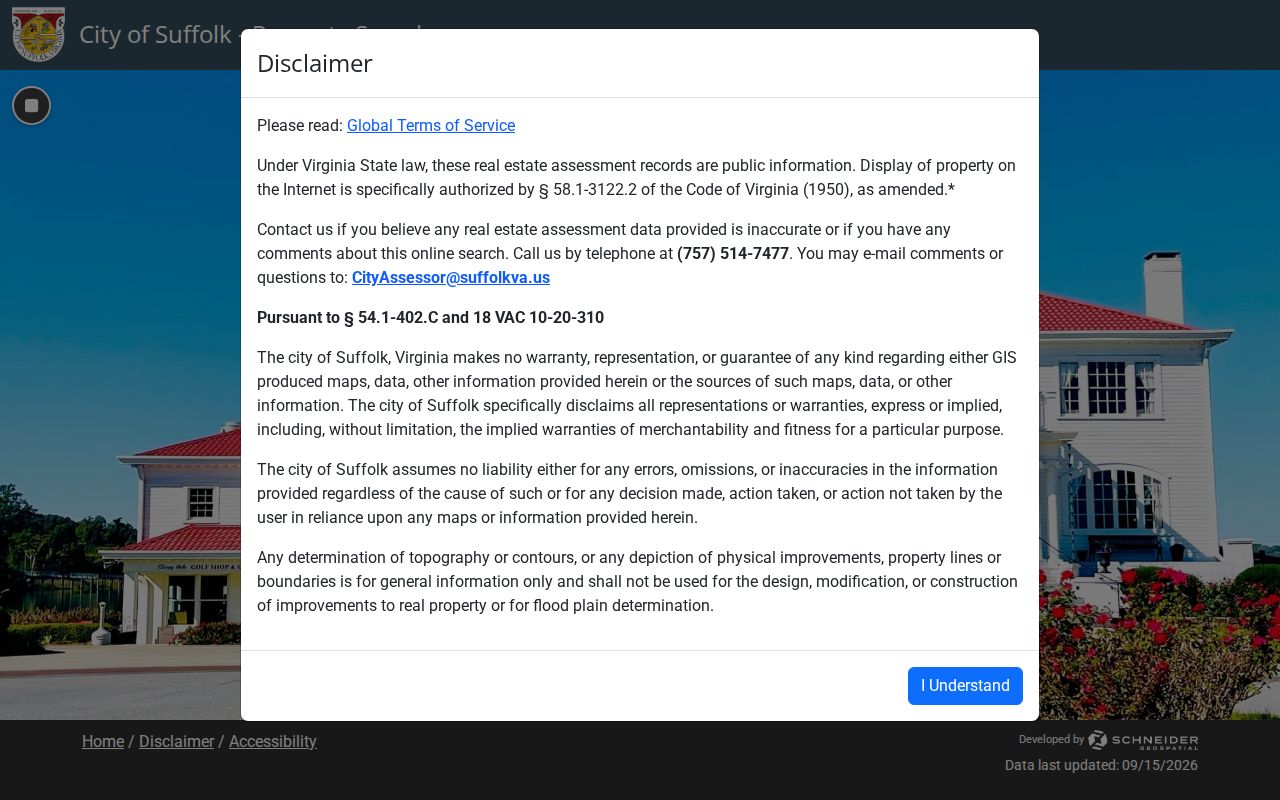
Cross-check those fields, then confirm the transfer itself through the Clerk's index and its image route.
Choose an Address, Name, or Parcel Key
Each search mode solves a different Suffolk problem. An address is easy to recall. But it may point to a condo, commercial complex, or a location with more than one tax parcel. An owner name can reveal multiple holdings, yet it brings spelling, trust, and entity variants. Account No., PID No., and Map No. are exact once a parcel card is known. Keep the legal description beside them. That way a similar name does not lead to the wrong land.
| Search Key | Best For | Where It Works | Watch Out |
|---|---|---|---|
| Situs address | Locate one likely parcel | Spatialest and GIS Address Point | Mailing ZIP does not prove parcel location |
| Owner name | Find cards tied to a person or entity | Spatialest; then SRA party index | Same-name, trust, LLC, and estate forms vary |
| Account / PID / Map No. | Match one parcel across systems | Spatialest, GIS, and clerk references | Copy the exact format from the card |
Not a title search. A Suffolk property search gathers clues from assessor and map records, but it does not guarantee clear title. Confirm recorded interests through the Clerk and consult a title professional for a title conclusion.
Suffolk Transfer Fields Lead to the Clerk
The transfer history is a compact pointer into recorded land records. It can list Sale No., book, page, qualification, improved or vacant status, and comments. Instrument number, sale date, and sale price may appear too. A book and page or instrument number beats a street address when opening SRA. Compare the parties in the instrument with the parcel card. Then check the legal description as well. Do this before treating the match as confirmed.
Qualified and unqualified are labels in the assessment data. They do not decide whether a sale was fair, arm's length, or a sound comparison. A family transfer, partial interest, or unusual transaction may need context from the instrument itself. The recorded image or Clerk copy supplies terms the summary card leaves out. The Suffolk deed index walkthrough explains the next step once the card supplies a reference.
Owner Names in Suffolk Need Careful Matching
The card's Owner field may show an individual, LLC, trust, estate, or another legal holder. A company may use a registered name that differs from a familiar business sign. Trusts may be indexed under the trust name or trustee wording. An estate can appear through a personal representative in probate. It can also appear on a later fiduciary deed. Search spelling and punctuation variants. Use the parcel number and legal description to tell same-name parties apart.
Virginia's SCC Clerk's Information System can identify a business entity's status. It also shows the registered agent, principal office, and filing history. Those details explain the company named on a parcel card. They do not replace the deed as evidence of land ownership. A mailing address is a contact field. It is not proof that the named person lives at the parcel. When the name itself is unclear, ask the Assessor about the card field. You can also ask the Clerk about the deed index.
Suffolk GIS Helps Resolve Address Ambiguity
Suffolk's GIS viewer stacks three useful layers. Address points sit alongside parcel polygons and building footprints. Sometimes an address returns no clear card. The map closes that gap. Locate the address point, click the likely parcel, and note its identifier. Then search Spatialest with that exact Account, PID, or Map number. This rescues lookups where a postal address, old village name, or street description fails to match the assessor's current wording.
GIS and Spatialest remain separate tools. The city mapping page routes assessment and improvement questions back to the assessor card. The service answers JSON queries but caps results at 2,000 records, and its public description omits the full live tool palette. No citywide street-list search or adjacent-parcel button exists, and the Suffolk parcel-map layers page covers those map limits.
When a Suffolk Online Result Is Missing
The assessor landing page never states the earliest year of online values, and the Clerk's public page leaves out the Suffolk-specific SRA cutoff. Treat both as unknown. When a deed image refuses to open, call Land Records at 757-514-7812 or visit the counter at 150 N Main Street, Suffolk, VA 23434. Hours run Monday through Friday, 8:30 a.m. to 5 p.m., and no monetary transactions are handled after 4:30 p.m. Confirm the current copy procedure before mailing anything.
Older material lives elsewhere. The Library of Virginia holds a Nansemond County collection on microfilm along with original records. Search by predecessor locality, by the parties named, and by the legal description; a modern street address alone will not carry you back. A public index entry can confirm an instrument exists while its image stays hidden. Ask the Clerk whether a local subscription, a counter copy, or an archive search is your best next step.
Read the Suffolk Card Before Saving a Search Result
A matching owner name is only the start. Suffolk's Spatialest card packs many fields. It lists the account number, PID number, map number, owner, situs address, mailing address, legal description, use code, historical flag, lot or acreage, effective area, voter borough, and taxing district. Each field answers a different administrative question. Match the situs and legal description against the address you typed, and save the account and map numbers for later.
The value area adds context. Current and proposed assessments appear beside land and improvement components, a land-use value, and a history holding up to ten rows. Transfer history may hint at a recorded transaction. Together these fields make the assessment card a strong index to the parcel. Still, the card does not replace the deed image, the tax bill, or the GIS geometry. Treat it as a routing point into the right City or Clerk system.
Fields can disagree. Do not simply trust whichever answer looks familiar. A mailing address often differs from the situs, and a map number can persist after a street name changes. Parcels also get split or combined. Carry the exact account key to the Assessor. Verify land identity with the newest recorded deed or plat.
Refine a Suffolk Property Search When Names Repeat
Broad queries get sharper with a second identifier. Common names cause most trouble. When a name repeats, compare the situs, mailing address, map number, and legal description. For a company or trust, keep the entity spelling and punctuation exactly as the card shows. Confirm ownership in the deed first. A name on several accounts may not describe the same tract.
Addresses have their own traps. Search the street number and name without treating a ZIP code as a parcel boundary. Test directional prefixes, suffix abbreviations, and unit numbers when a result goes missing. The portal's parser rules and refresh lag are not published, so its first result is never guaranteed complete. Recent address changes call for the parcel or account key instead.
Save results as notes. Write down what you searched. Note the field you used and the evidence you checked next. That habit pays off later. Repeat searches get easy after a new assessment year. The Assessor or Clerk then gets a clear question to answer.